

Products in WhatsApp.
Forma HomeBusiness account
Today
Does the Arc lamp come in two colours?
Yes. Which colour do you prefer?
Run targeted WhatsApp campaigns, answer customer questions, and track the sales that follow.
Does the Arc lamp come in two colours?
Yes. Which colour do you prefer?
Connect the channels your customers already use.
 WhatsApp
 Telegram
 Instagram
 Website chat
WhatsApp opt-in · no purchase yet

Hi Alex! Meet the Terra vase: a simple way to refresh a calm corner. Would you style it on a shelf or a table?
Meta-approved template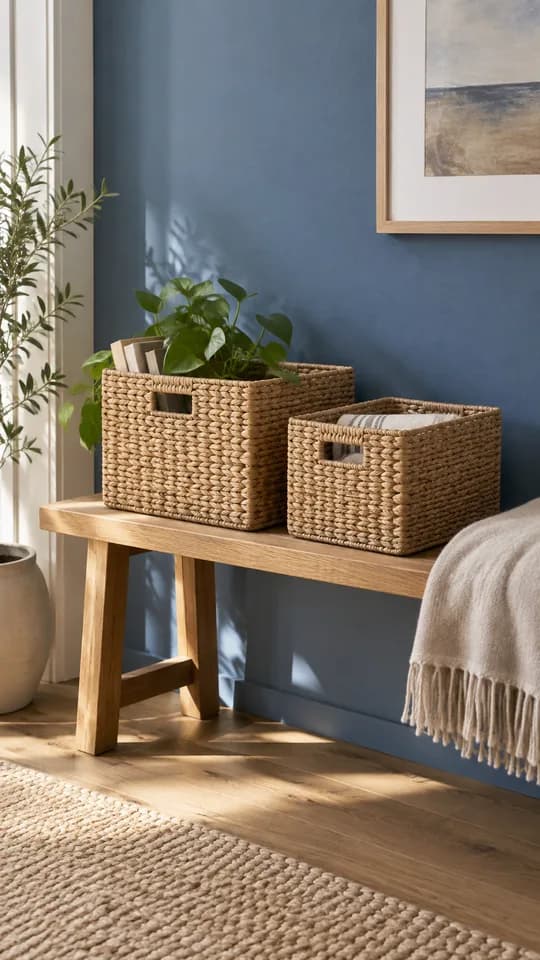
Will the large basket hold a throw?
Yes, it is 40 cm across. There is room for a throw and a couple of cushions.
From the Mora product detailsPerfect. I will take the set.
Hi Alex! Still considering the Sora mirror? Need help with the size, delivery or checkout? Choose what would help you decide.

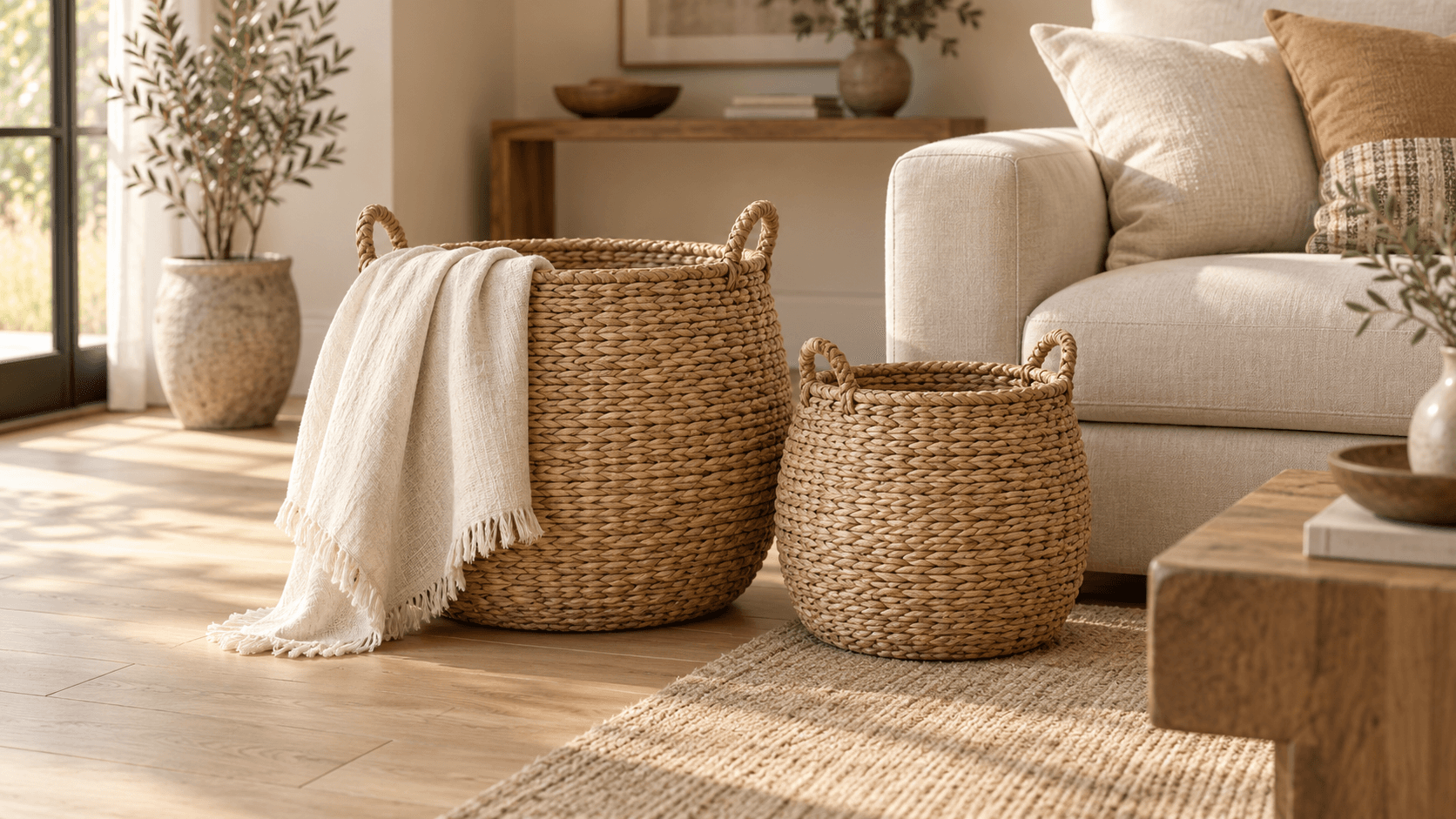
Hi Alex! The Mora baskets pair neatly with your Lino throw. Would you like to compare the sizes or explore another room idea?
Customer opted in to offersA customer scans the code and sends a question. You reply with the right context.

 WhatsApp
Hi! I saw the Terra vase in your window. How tall is it?
26 cm. We can set one aside for you in the store.
Thanks! I will come by after six today.
Examples from separate reports: Sources, Overview, Campaign analytics and Team.
Last 30 days
Dashboard → Sources
From sales recorded by your team or payment system.
Dashboard → Overview
Compare spend and cost per messaging conversation.
| Ad | Conversations | Ad spend | Cost per conversation |
|---|---|---|---|
| Mora baskets | 90 | $126 | $1.40 |
| Terra ceramic vase | 60 | $108 | $1.80 |
| Lino cotton throw | 30 | $54 | $1.80 |
168 ad-sourced conversations captured in airi.chat. Meta and airi.chat count conversations differently.
Terra vase · 1,240 accepted sends
Reply rate: 20% of accepted sends · ≈ $0.15 per reply · USD
First response from a team member.
Based on 840 measured first human replies. Excludes unanswered conversations; elapsed time.
Meta Ads → conversations → sales
Report concept · Fictional data
Comparing June 2026 with May 2026.
| Metric | June 2026 | May 2026 | Change |
|---|---|---|---|
| Ad spend · USD | $288 | $312 | -7.7% |
| Ad conversations | 168 | 174 | -3.4% |
| Confirmed sales | 24 | 22 | +9.1% |
| Net revenue · ₸ | 414,000 ₸ | 360,000 ₸ | +15% |
Full calendar months. Only sales linked to ad-sourced conversations; revenue is net of refunds. Ad spend remains in USD.
Illustrative excerpts from separate product screens, with fictional data.
About your WhatsApp number, AI replies and message charges.
Create a workspace, connect a channel, and add the business information your team uses to answer customers. For WhatsApp campaigns, connect your business account and prepare an approved template.
You can connect an eligible WhatsApp Business number. Keeping the Business app alongside the platform depends on your account and Meta’s eligibility requirements. We can help you check before you connect.
You choose how AI is used. It can answer from your business knowledge or help prepare a campaign. Your team can take over conversations and review campaign drafts before sending.
Meta bills WhatsApp messages separately. airi.chat does not include those message fees.
No. You can start with connected channels, customer conversations, campaigns, and business knowledge inside airi.chat. A CRM is not required for these workflows.
Connect a channel, invite your team and set up your first campaign.

